Everything betweenthe stream andthe post.
Six tools, one button. OVERDRIVE handles the boring part of editing so you can get back to making the thing people actually watch.

Hook detection
A model trained on millions of viral shorts scores every second of your footage and surfaces the moments that make people stop scrolling.
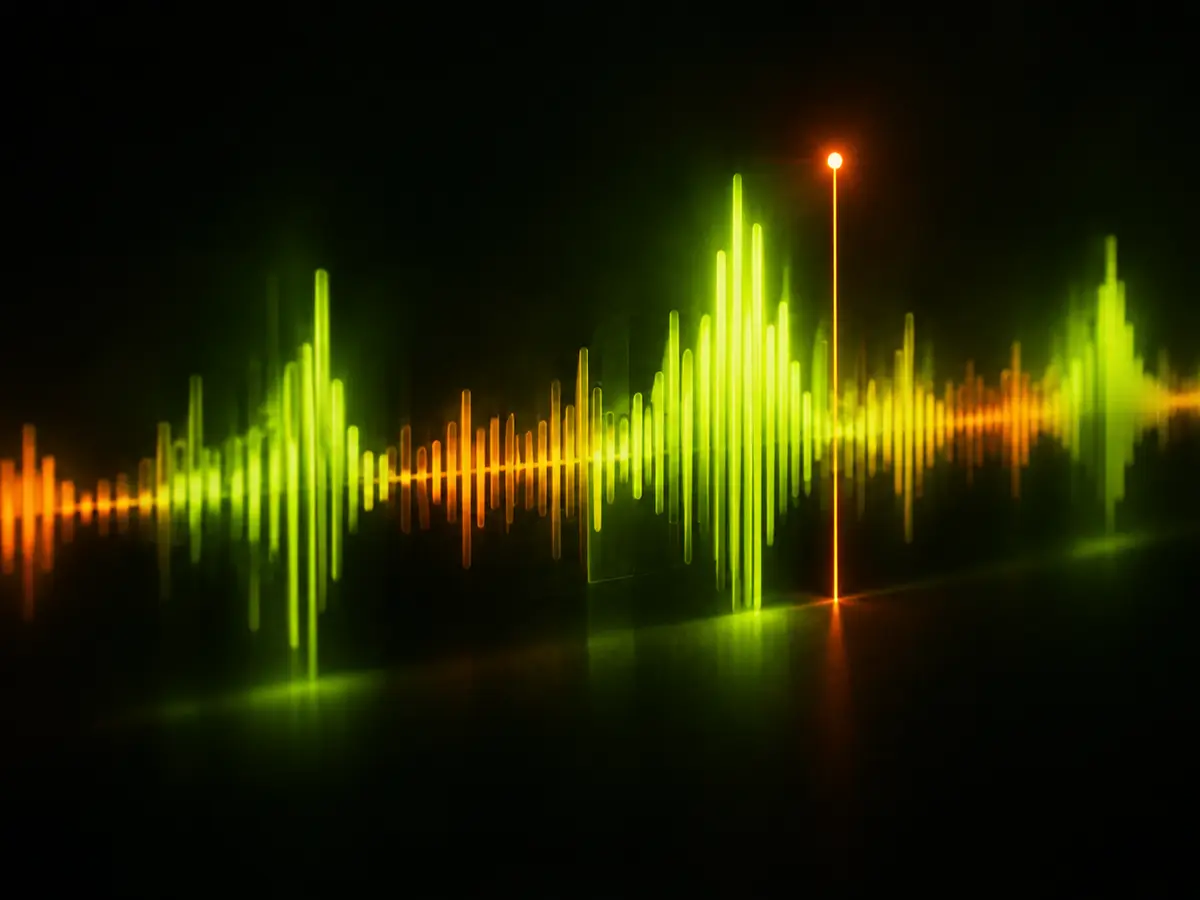
Score 0.94 Auto reframe
Faces, cursors and action stay in frame when 16:9 becomes 9:16. No keyframes, no manual tracking.
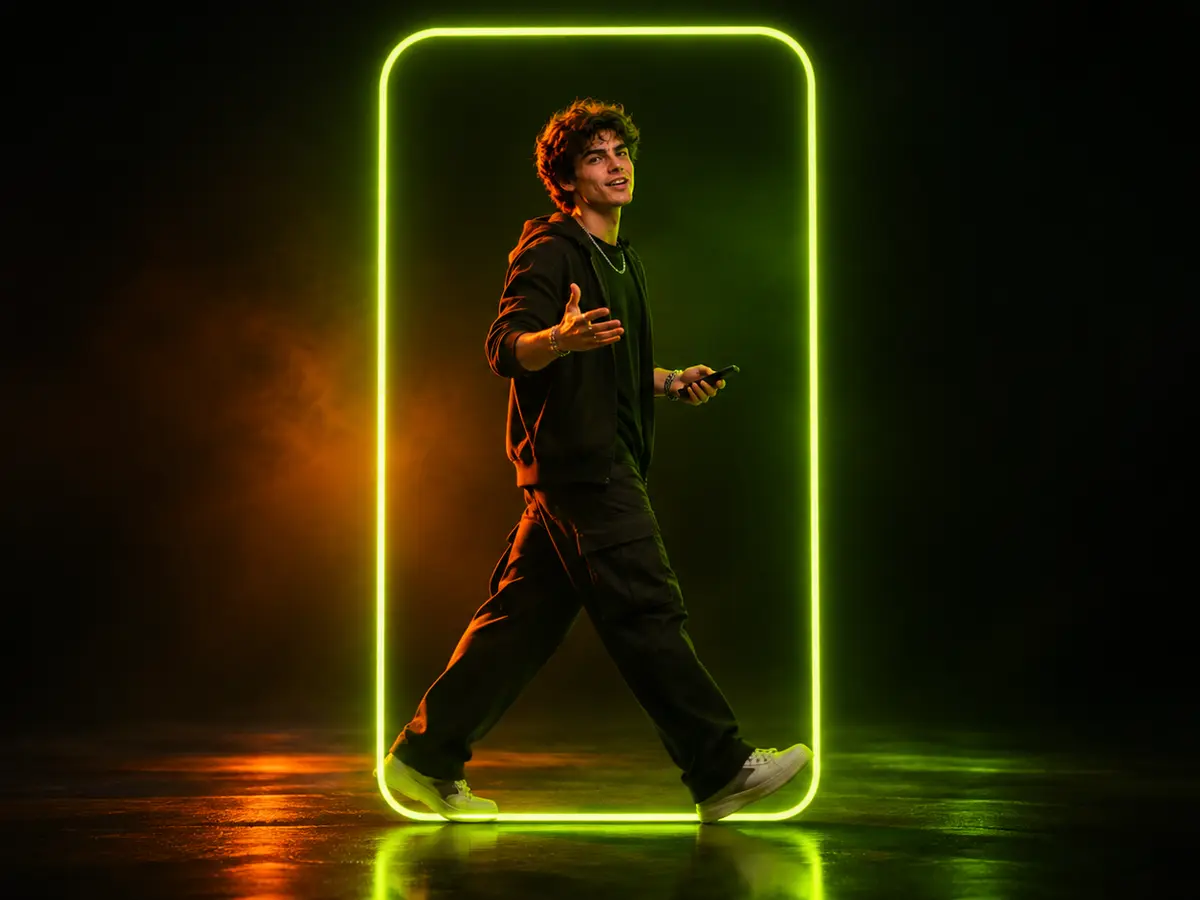
Tracking on Animated captions
Word-level timing, bold presets and emphasis on the words that matter. Edit any line like a text document.
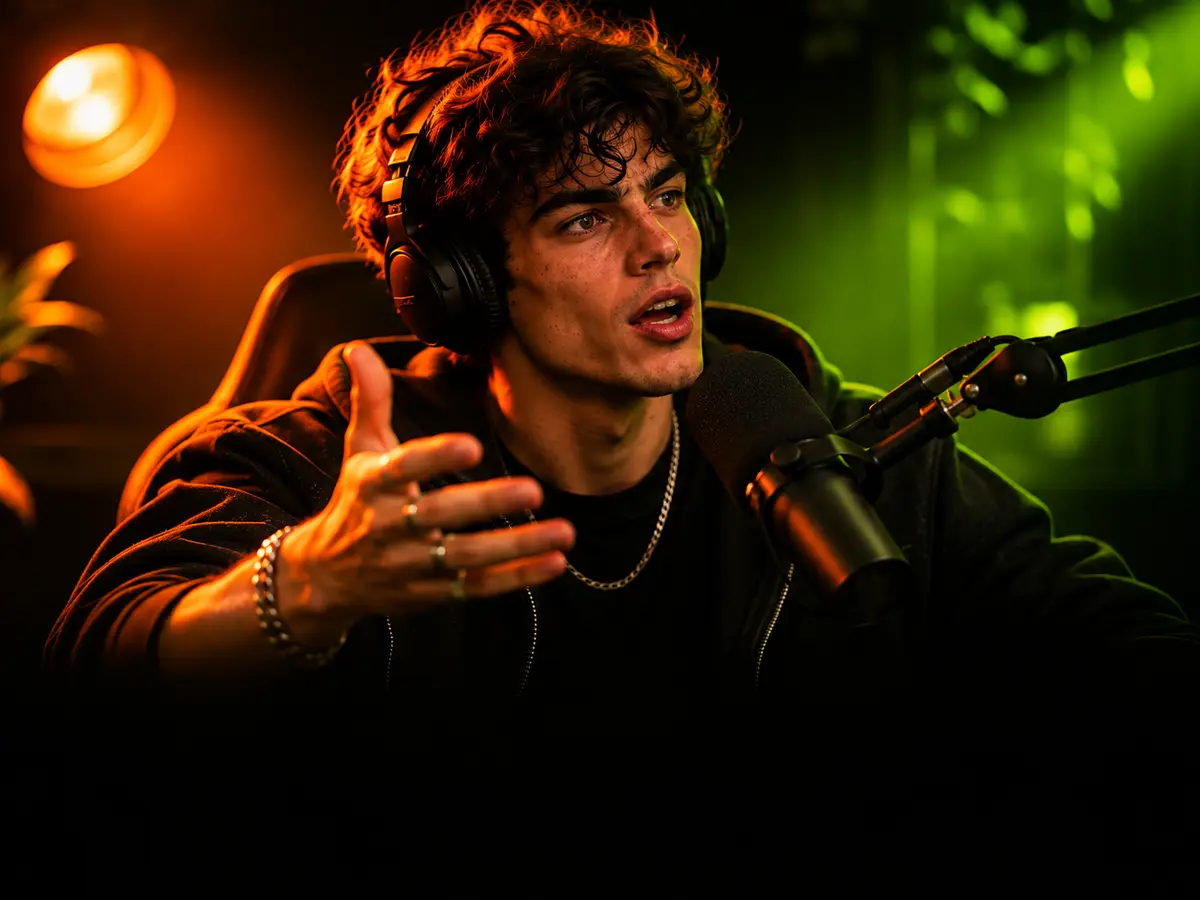
Word by word Brand kits
Your fonts, colors, intro and outro, applied to every clip automatically. Consistent without the copy-paste.
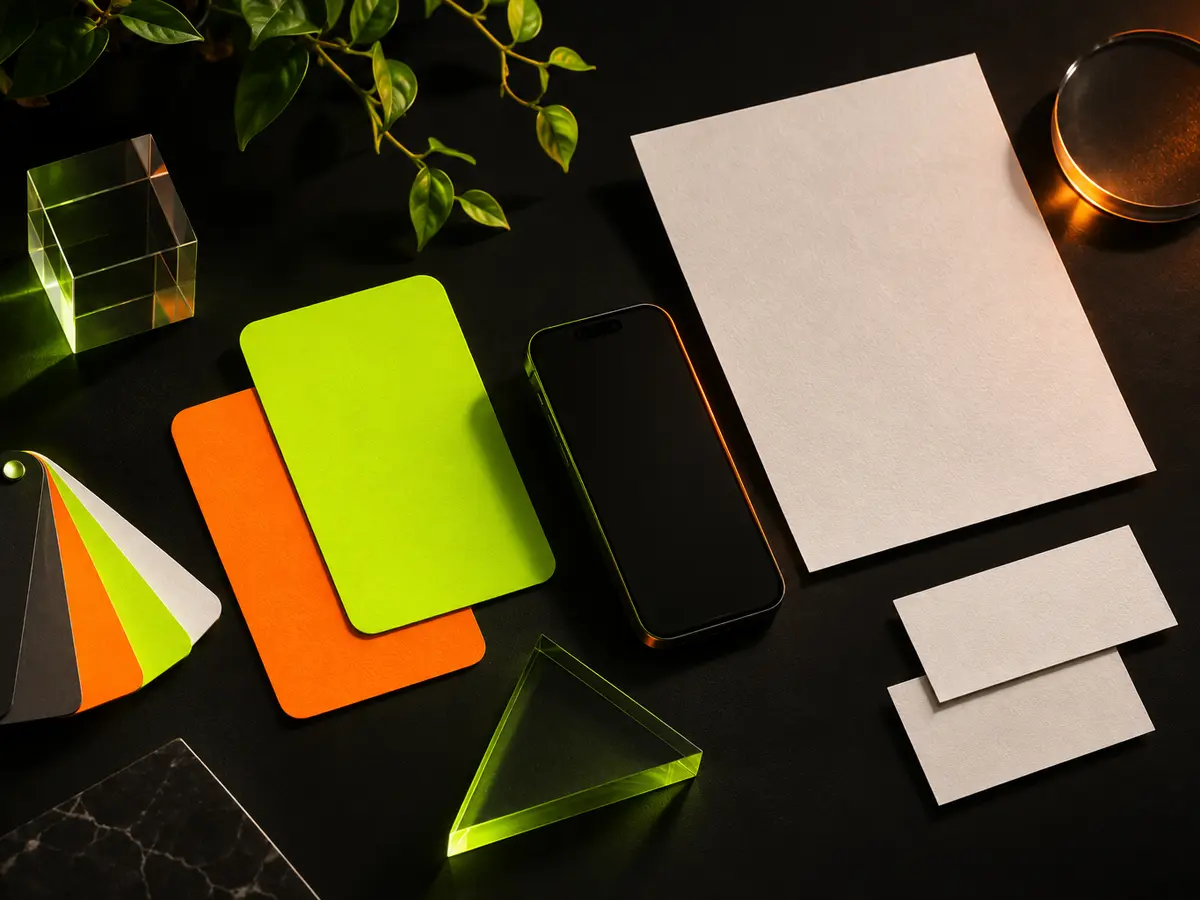
3 kits Translate & dub
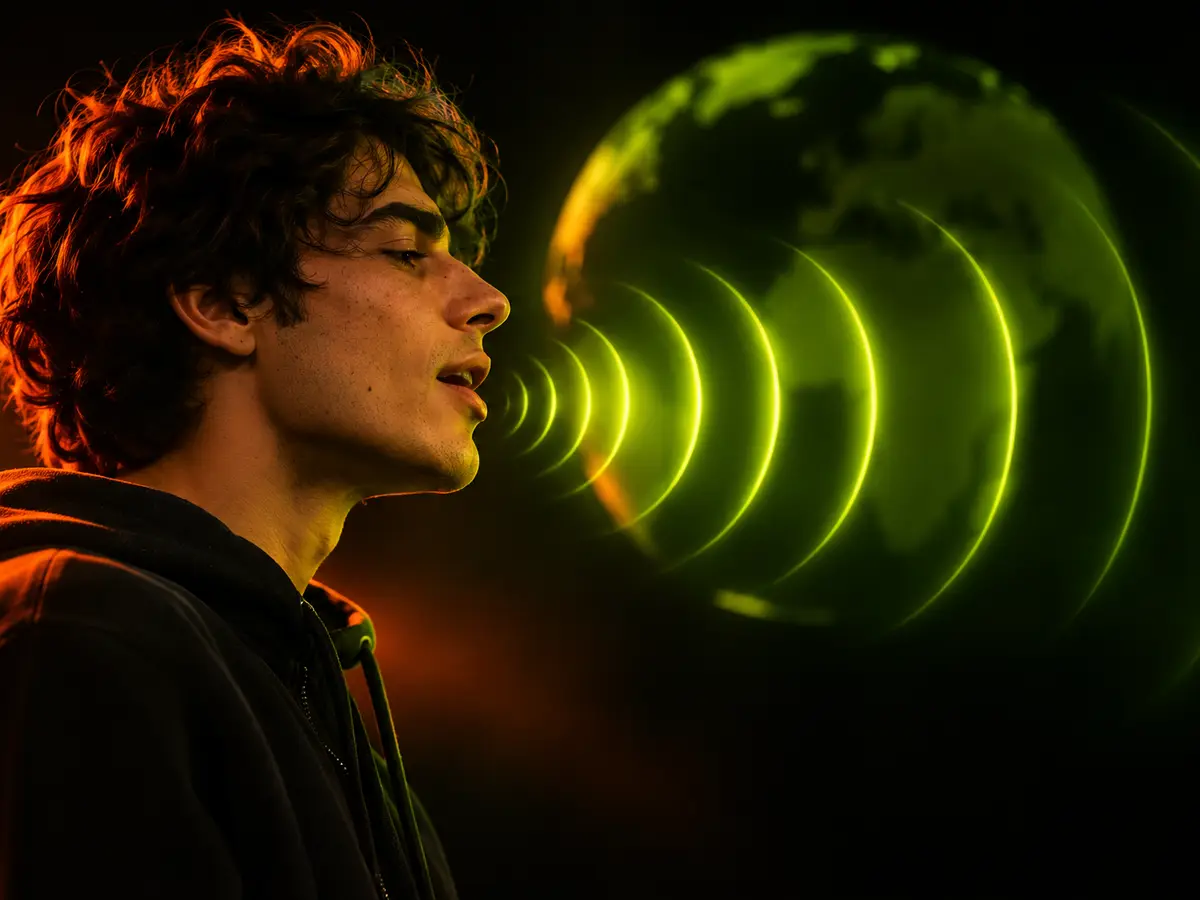
Reach new audiences with captions and AI voice dubbing in more than 40 languages, matched to the original timing.
40+ languages Scheduler
Queue a week of clips across TikTok, Reels and Shorts in one view, posted at the times your audience is online.

7 days queued


16:9 in. 9:16 out.
Drag to compare the raw stream with the clip OVERDRIVE ships.

No way he just did that